
Download Cool Captions – screensaver, animated text, 3D screensaver, customizable screensaver, text editor, creative screensaver, fun screensaver, dancing text
Overview
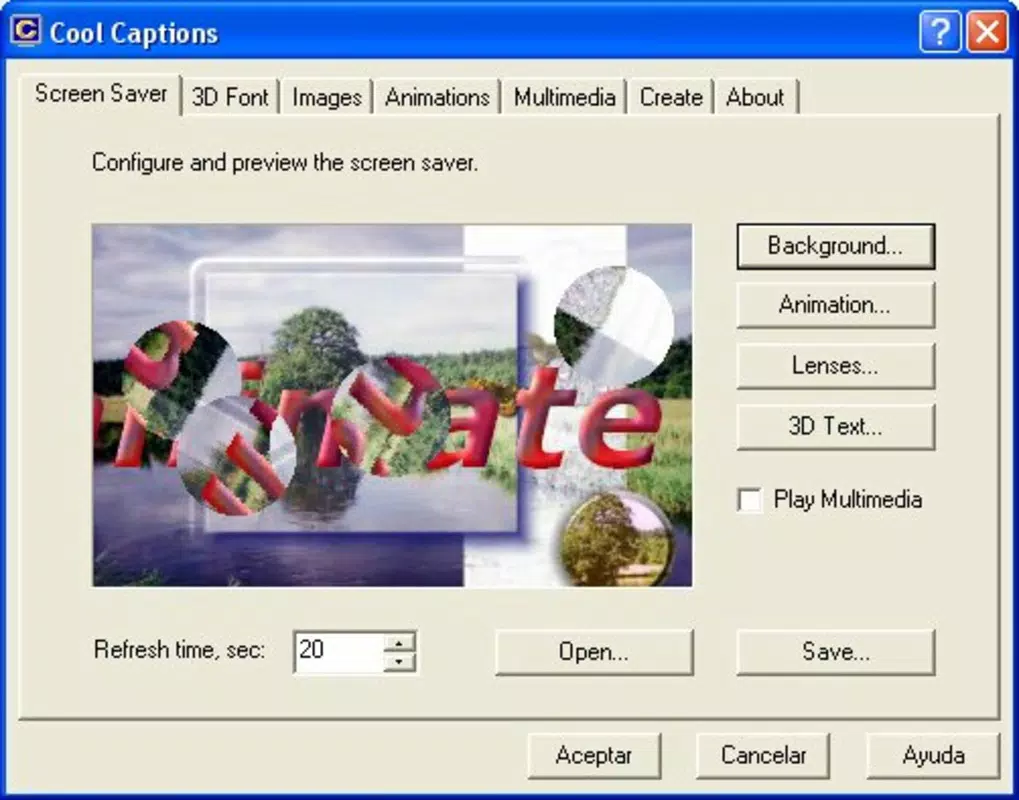
Cool Captions is a lightweight utility application designed to elevate the standard screensaver experience by introducing dynamic, customizable visual elements. Originally released in 2006, the program enables users to transform static screen displays into engaging, animated compositions. At its core, Cool Captions focuses on personalization, allowing individuals to create unique 3D screensavers with animated text, commonly referred to as "dancing text." This functionality caters to users seeking a more expressive and entertaining way to utilize idle screen time. The app is particularly suited for individuals who enjoy creative expression through digital media, such as hobbyists, digital artists, or those who appreciate quirky desktop enhancements.
The application addresses the common limitation of generic, repetitive screensavers by offering a text-based animation engine. Users can input custom phrases or words and animate them with various movement styles, adding a playful or artistic flair to their digital displays. Real-world use cases include personalizing home computers, enhancing office workstations with fun visual cues, or creating themed displays for special events. While the developer did not provide additional technical details, the app’s longevity suggests a stable and functional design. In the broader software ecosystem, Cool Captions occupies a niche as a lightweight, purpose-built tool for digital creativity, standing out in the utilities category for its focus on visual personalization and user-driven content.
Key Features & Functionality
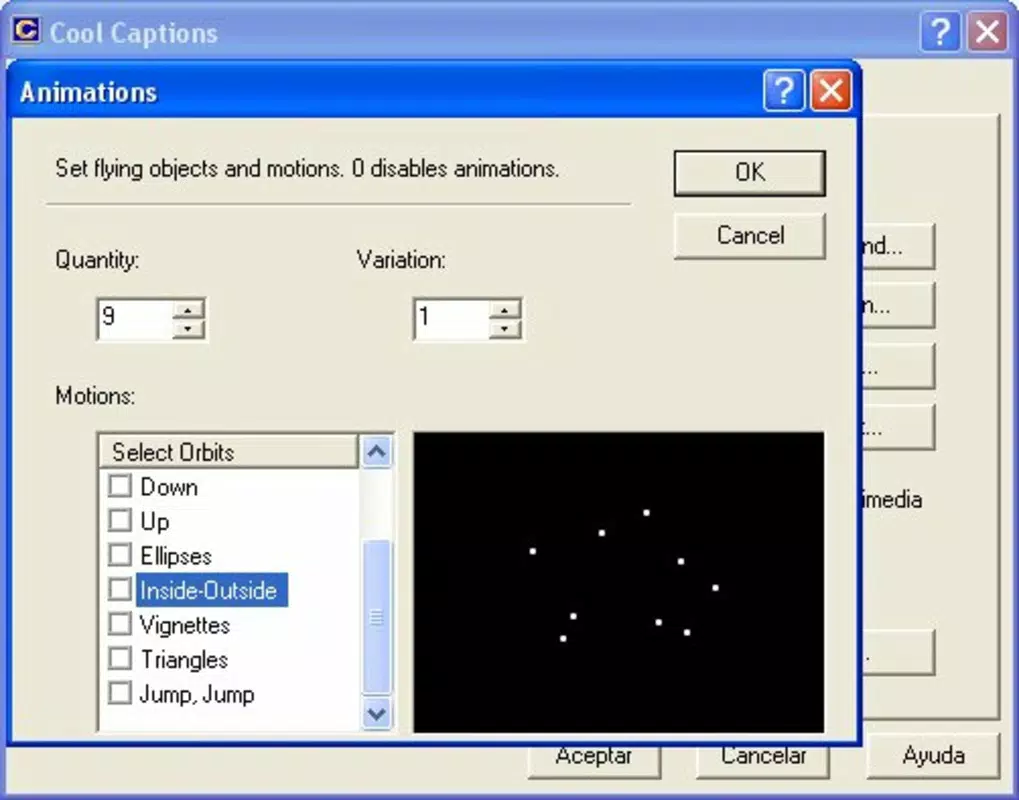
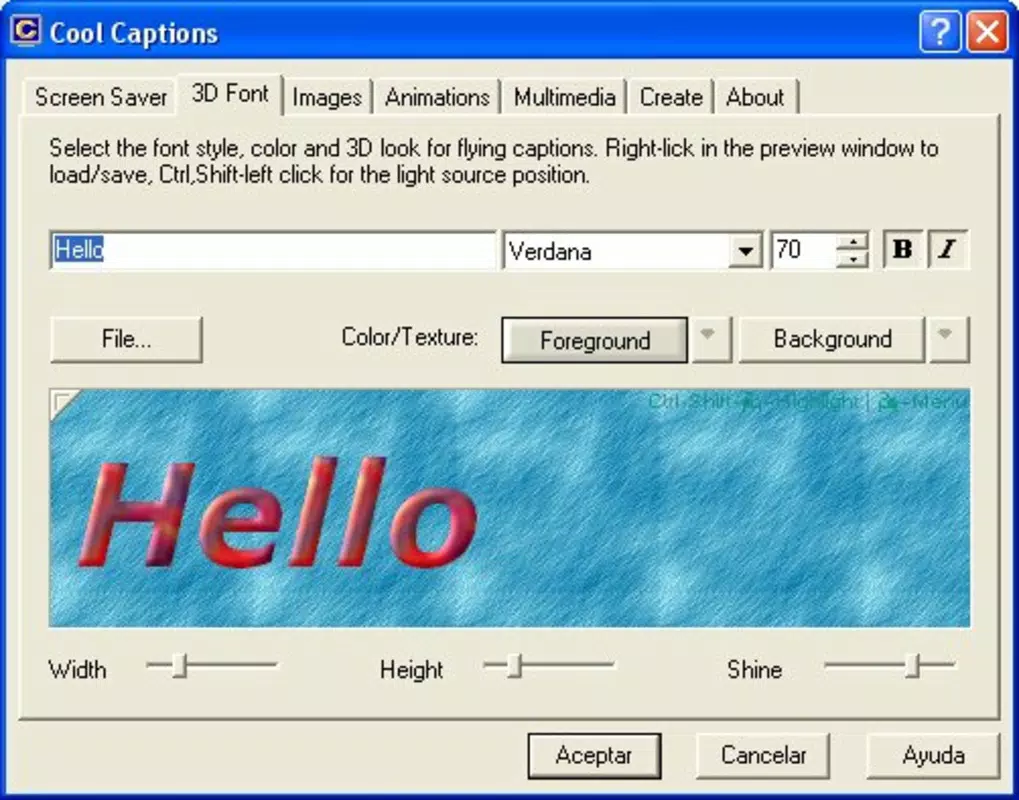
- Animated Text Editor: A built-in text editor allows users to input custom phrases or words and apply dynamic movement patterns. These animations can include floating, bouncing, spinning, or flowing effects, enabling the text to "dance" across the screen in real time.
- Custom Multimedia Support: The program supports a range of media formats including AVI, MOV, WMV, MP3, and WAV. This allows users to integrate personal videos, audio clips, and images into their screensaver designs for a richer sensory experience.
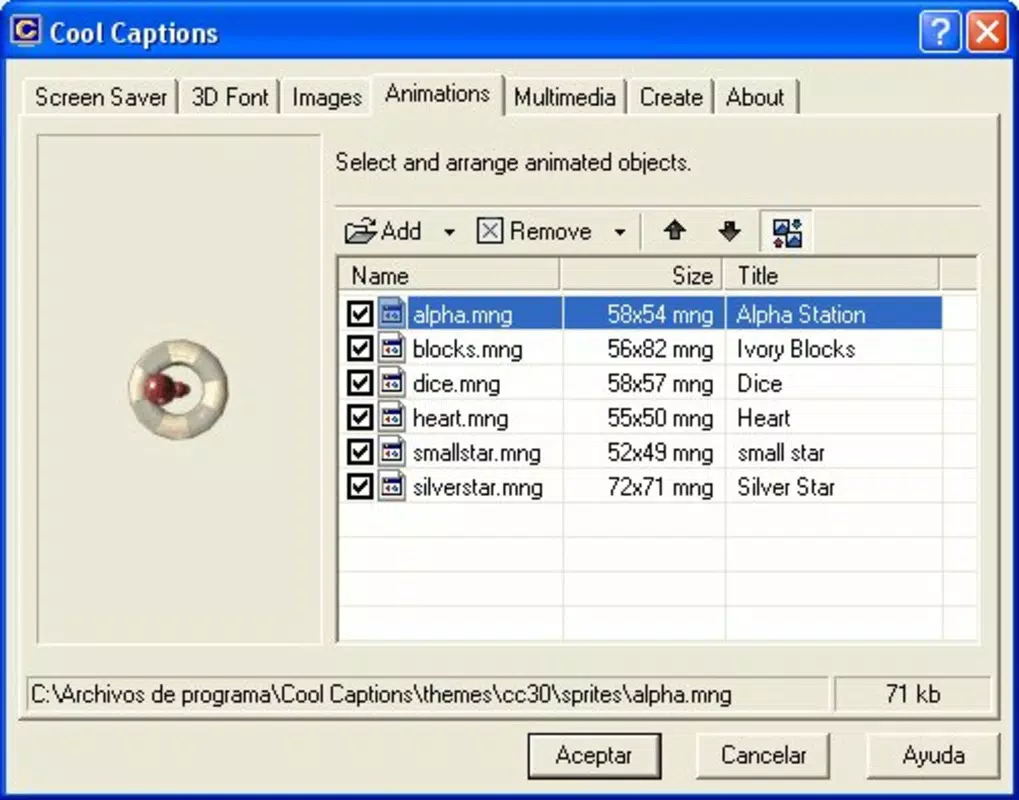
- Flexible Design Options: Users can layer multiple media elements—text, images, videos, and audio—into a single screensaver project. This modular approach ensures that each creation is unique, offering endless combinations for visual storytelling.
- User-Friendly Interface: The interface is designed for accessibility, with intuitive navigation and minimal technical barriers. Even users without prior experience in animation or video editing can quickly learn to create and preview their screensaver projects.
For example, a user might create a birthday-themed screensaver by combining a video clip of a celebration, a custom message like "Happy Birthday!", and upbeat background music. The animated text would move dynamically across the screen, synchronized with the audio, creating an immersive and personalized experience. This level of customization makes Cool Captions ideal for users who value individuality and enjoy interactive desktop environments.
Interface, UX & Performance
Cool Captions features a clean, minimalistic interface that prioritizes functionality over visual complexity. The layout is organized into clearly labeled panels: one for media import, another for text editing, and a preview window for real-time visualization. Navigation is straightforward, with toolbar buttons and context menus guiding users through each step of the creation process. The app responds promptly to user inputs, and although the developer did not list formal performance metrics, the lightweight nature of the application (1.1 MB) suggests efficient resource usage.
Performance on different device categories is not explicitly documented. However, given its small file size and release date (2006), it is likely optimized for older Windows systems. The app maintains stability during preview sessions and project saving, with no reported issues in the available documentation.
Responsiveness remains consistent across screen resolutions, though users on high-DPI displays may experience minor scaling inconsistencies. The overall user experience is smooth and focused, with no noticeable lag during animation playback or media rendering. The lack of advanced features like cloud sync or multi-monitor support is expected for a utility of this vintage, but does not detract from its core purpose.
Platform Compatibility & Technical Requirements
Cool Captions is designed for the Windows platform. The current version is 1.0, with a file size of 1.1 MB. It is available for download as a standalone executable, making installation simple and direct. Specific operating system requirements were not listed by the developer. The absence of detailed compatibility information suggests that the app may function on older Windows versions, such as Windows XP or Vista, but users are advised to verify system compatibility before installation.
Although the developer did not specify minimum OS requirements, the lightweight design and low resource footprint imply broad compatibility with legacy systems. No additional dependencies or runtime environments were mentioned. Users should ensure their system meets general Windows executable requirements. The app does not appear to require an internet connection for core functionality, though updates or support may be available through external channels.
Pros and Cons
- Lightweight and fast-loading application (1.1 MB)
- Intuitive interface suitable for beginners
- Supports multiple multimedia formats (AVI, MOV, WMV, MP3, WAV)
- Offers creative freedom with animated text and custom media
- Low price point for a niche utility ($14.95)
- Released in 2006; may lack modern interface standards
- No official updates or support documentation available
- Compatibility with newer Windows versions not confirmed
- Limited to Windows platform
- No cloud integration or export options beyond local saving
FAQ
Is Cool Captions safe to download and install?
Yes, the application is a legitimate utility with no known malware or security risks. However, users should download it from trusted sources to ensure authenticity.
Can I use Cool Captions on Windows 10 or Windows 11?
While the developer did not confirm compatibility, the app’s lightweight design suggests it may run on newer systems. Testing on a virtual machine or compatible environment is recommended.
Does Cool Captions require an internet connection?
No, the app functions offline. Internet access is only needed if updates or additional support materials are accessed externally.
Can I export or share my custom screensavers?
Yes, created screensavers are saved locally and can be shared with other users who have the same application installed.
Are there any updates available for Cool Captions?
As of the latest information, no official updates have been released. The app remains in its original 1.0 version.
Final Thoughts
Cool Captions remains a unique and nostalgic tool for users who value creative expression through simple, dynamic visuals. Despite its age, the app delivers on its core promise: transforming idle screen time into a personalized, animated experience. Its lightweight design, intuitive workflow, and support for multimedia elements make it a solid choice for hobbyists and enthusiasts seeking a fun, low-effort way to customize their desktops. While it lacks modern features like cloud sharing or cross-platform availability, its focused functionality ensures reliability and ease of use.
For users with older Windows systems or those who appreciate retro digital tools, Cool Captions offers a rare blend of simplicity and creativity. It stands as a testament to early digital personalization trends, where users could easily craft unique digital experiences without complex software. If you’re looking for a quirky, lightweight screensaver creator with animated text and multimedia support, this app delivers a distinctive value proposition.
Download Cool Captions now


